Café ambience mixer
Build your own study soundscape. Press play and try it.
 CafeMac
Get for Mac
A cozy study café for your Mac. Café sounds, a latte focus timer, and an orange cat who knocks YouTube, TikTok and Instagram off your screen while you study.
Get CafeMac — $9.99
Tap a window to let the cat at it
Build your own study soundscape. Press play and try it.
Seven cozy café scenes for your desktop. Tap one to try it.
 Snowy Christmas
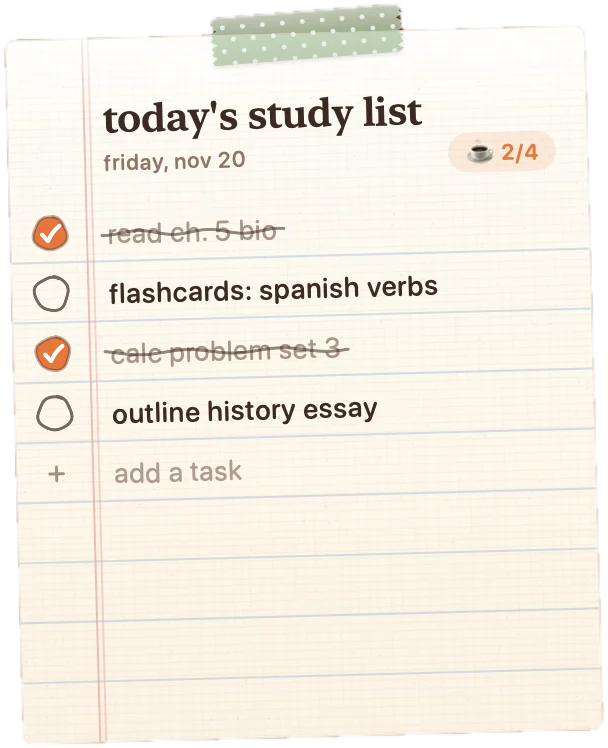
Keep today’s goals on your desktop and tick them off.
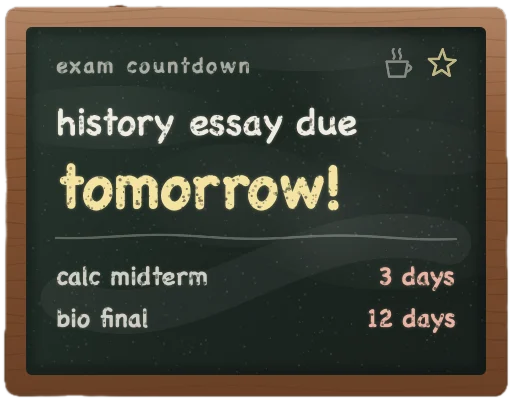
A little chalkboard counts down to what matters most.
Focused minutes earn treats. Spend them to make its home cozier.








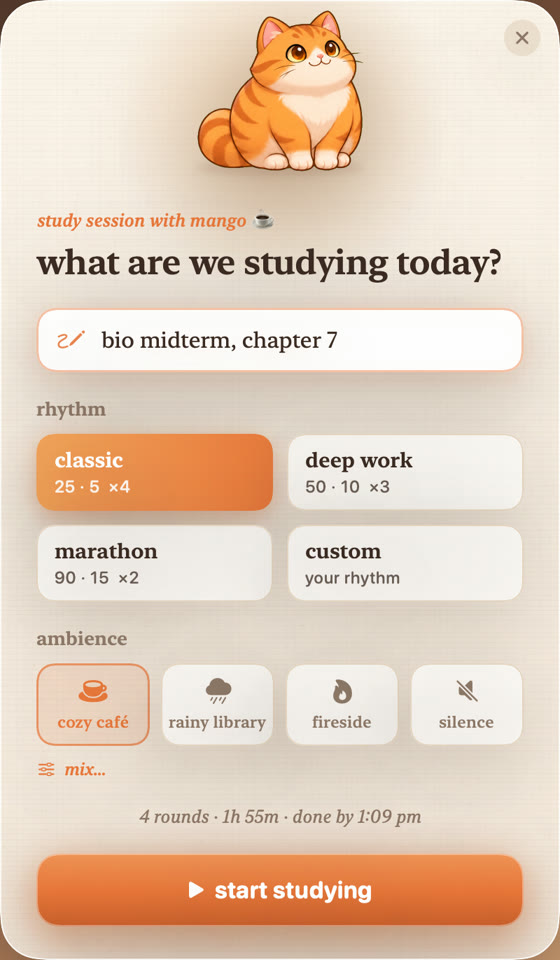
Pick a rhythm: classic 25/5, deep work 50/10, marathon 90/15, or your own.
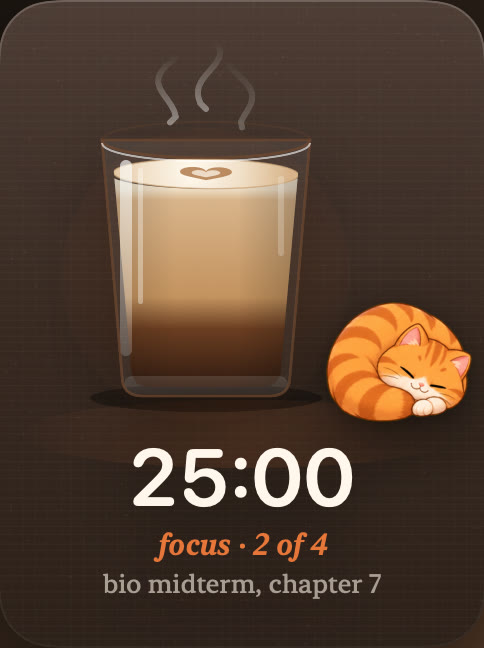
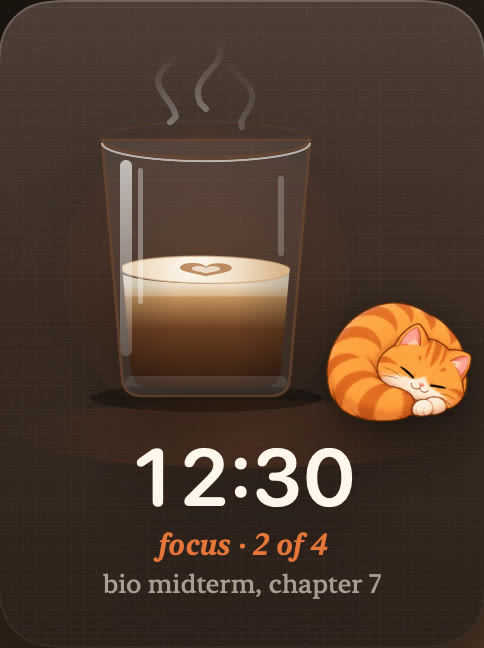
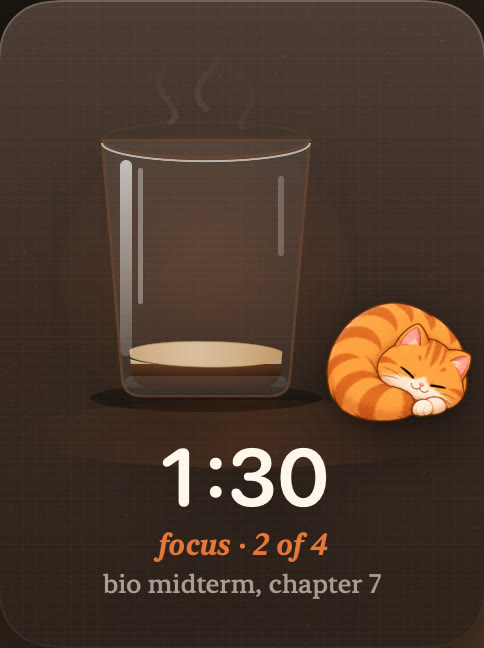
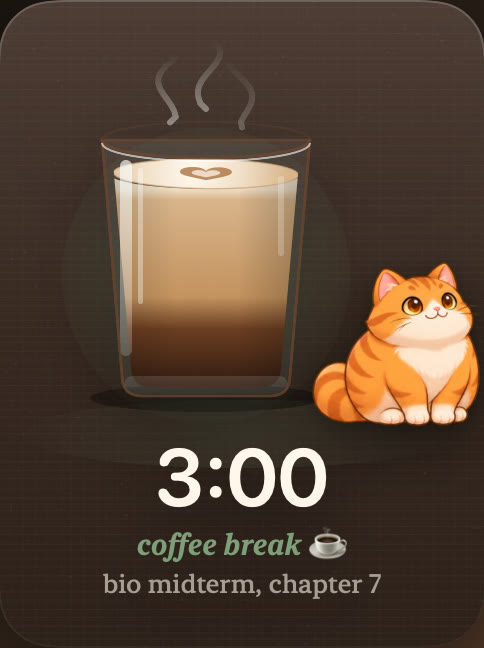
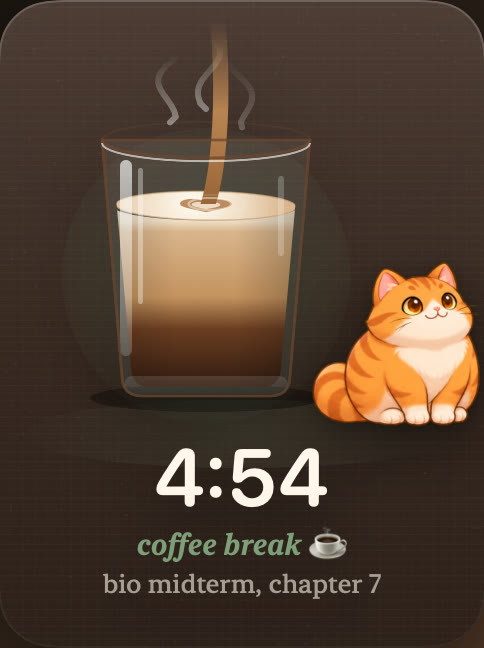
Café sounds play, the latte slowly drains, and the cat knocks distractions off your screen.
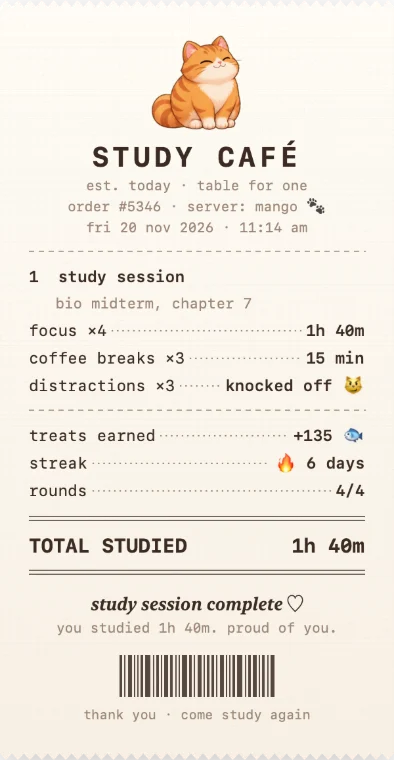
Your focus time, breaks and knocked-off distractions on a receipt you can save or share.
↖ The latte timer drains as you focus, and refills after a well-earned break. ↗

Every exam on the chalkboard, a countdown that keeps you honest, and a cat that guards your focus.

Rain on the window, a 50-minute deep work round, and nobody opens TikTok on its watch.
Short 25-minute rounds, a little list, and a receipt at the end that feels like a win.
Your license key appears on screen right after checkout. macOS 14 Sonoma or later · Apple silicon.
No. It’s $9.99 once and it’s yours. No account, no subscription. Your license key appears on screen right after checkout.
Macs with Apple silicon (M1 or newer) running macOS 14 Sonoma or later.
During a study session, when YouTube, TikTok, Instagram or anything else on your list comes to the front, the cat hops over and knocks it off your screen. You choose whether that minimizes the window, hides the app or closes it, and you can edit the list. It needs Screen Recording and Accessibility permission to see and move windows. It’s a cozy nudge, not a parental-control lock.
No. Your study list, sessions, exams and treats stay on your Mac. There’s no account and no analytics in the app. Window titles are only checked on your Mac to spot distractions and are never sent anywhere.
Yes. Every update to version 1 is included.
Right after checkout the key appears on screen with a Copy button and a download link. Bookmark that page to see the same key again any time. Bought on your phone? Tap “Send to my Mac”.
Yes. If CafeMac isn’t for you, email us within 14 days of purchase for a full refund. No forms, no hoops.